
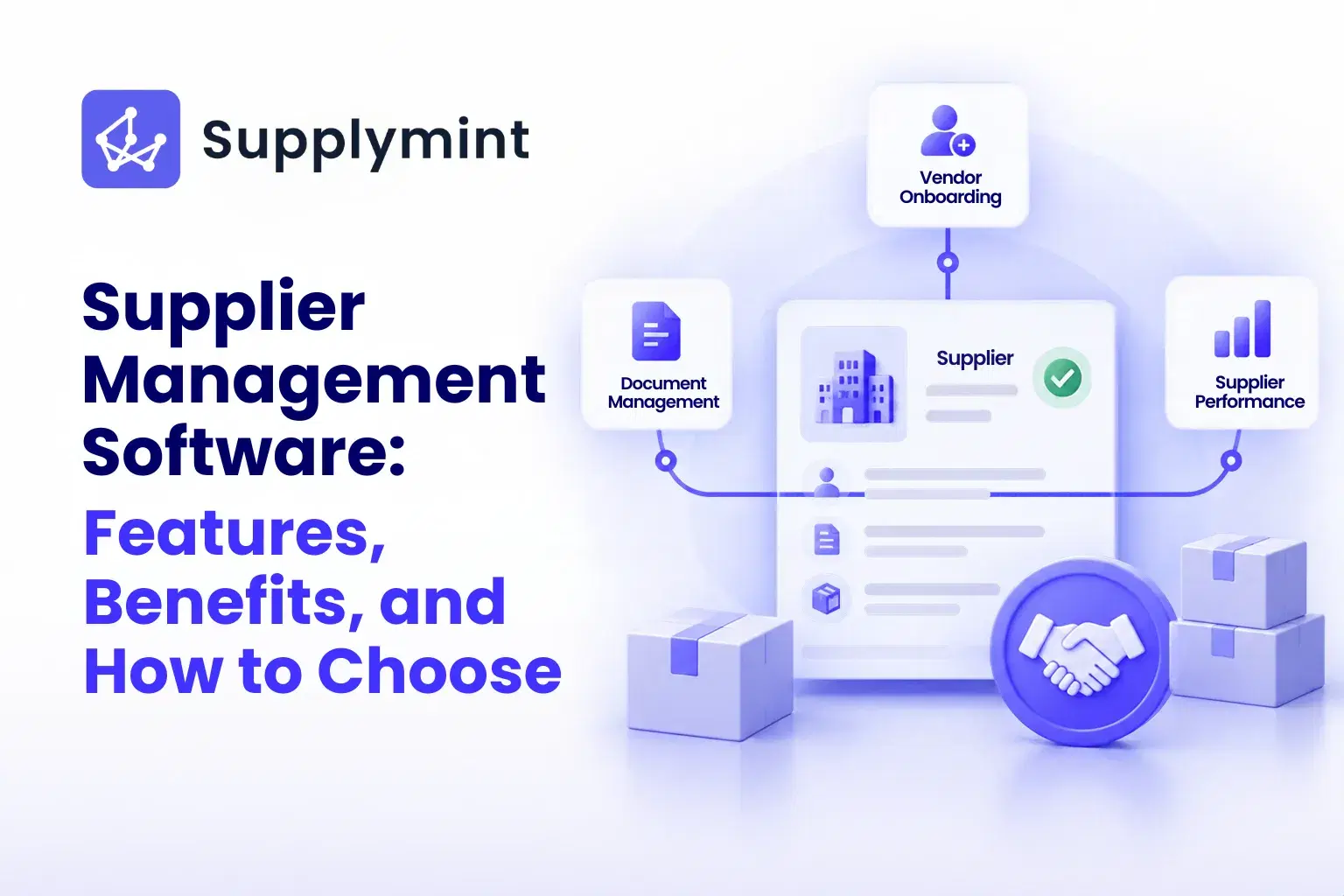
Managing a handful of suppliers is easy. You know them, you email them, a spreadsheet keeps up. Then the business grows. Suddenly there are fifty vendors, then two hundred, each with their own contacts, contracts, pricing, and delivery quirks, and the spreadsheet that used to work is now the thing slowing everyone down. Orders slip, data goes stale, and nobody has a clear view of who is actually reliable.
Supplier management software exists for exactly that point. It replaces the scattered emails and spreadsheets with one system for onboarding, tracking, and managing every supplier. This guide covers what it is, the features that matter, the benefits it delivers, and how to choose the right system for your business.
What Is Supplier Management Software?
Supplier management software is a system that helps businesses onboard, track, and manage their suppliers and vendors in one place. It centralises supplier data, communication, performance, and compliance, so procurement teams can manage the entire supplier lifecycle without chasing information across spreadsheets, emails, and shared drives.
At its core, it does three things well. It stores every supplier's details, documents, and history in one place. It tracks how each supplier actually performs on delivery, quality, and cost. And it gives the whole team a single, current view instead of five conflicting versions. The bigger the supplier base, the more that single source of truth is worth.
Why Businesses Need Supplier Management Software
Businesses need supplier management software because managing a growing supplier base manually becomes slow, risky, and error-prone, and those problems compound as the company scales. What works for ten suppliers quietly breaks at a hundred.
The pain shows up in familiar ways. Supplier information scattered across spreadsheets that nobody trusts. Hours lost chasing vendors by phone and email. Risk hiding in the gaps, because when data lives in silos, a lapsed certification or a slipping supplier goes unnoticed until it causes a problem. Software closes those gaps by putting everything in one place, automating the busywork, and surfacing the issues that manual tracking buries.
Key Features of Supplier Management Software
The right supplier management software is defined by a handful of core features. These are the ones worth checking for when you evaluate a system.
1. Supplier Onboarding and a Vendor Portal
The best systems give suppliers their own portal to register, submit documents, and update their details directly. That removes the manual data entry from your team and keeps supplier records accurate at the source. A good vendor portal turns onboarding from a paperwork exercise into a self-service step.
2. Centralised Supplier Data
Every supplier's contacts, contracts, certifications, pricing, and history live in one place, accessible to the whole team. No more hunting through inboxes or wondering which spreadsheet is current. This is the foundation everything else is built on.
3. Supplier Performance Tracking
The system tracks how each supplier performs on the metrics that matter: on-time delivery, quality, accuracy, and responsiveness. Over time this builds a clear, evidence-based picture of who is reliable and who is quietly costing you, so you can shift volume toward the suppliers who earn it. Tracking supplier quality consistently is what turns a gut feeling about a vendor into a decision you can defend.
4. Communication and Collaboration
Orders, queries, documents, and updates all flow through one channel instead of scattered email threads. Nothing gets lost, and both sides can see the same history, which cuts disputes and speeds up problem-solving.
5. Compliance and Risk Management
Good software tracks certifications, flags expiries, and keeps an audit trail, so compliance is built into the process rather than remembered after the fact. It also helps spot risk early, before a lapsed document or a struggling supplier turns into a disruption.
6. Reporting and Analytics
Dashboards and reports turn all that supplier data into decisions. Spend by supplier, performance trends, and risk exposure become visible at a glance, so procurement can plan on evidence instead of instinct.
Benefits of Supplier Management Software
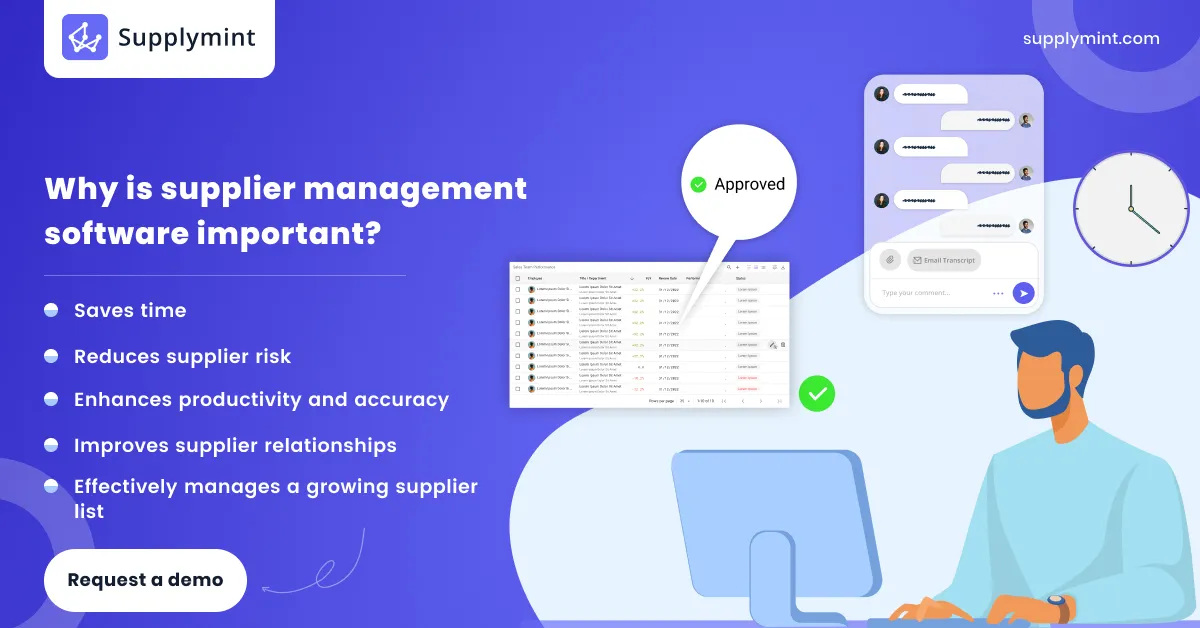
The features above translate into four benefits that show up on the bottom line.
- It saves real time: Automating onboarding, communication, and tracking gives your team back the hours they used to spend chasing suppliers, so they can focus on higher-value work like negotiation and planning.
- It reduces supplier risk: When all supplier data sits on one platform, nothing hides. Lapsed certifications, slipping performance, and over-reliance on a single vendor all surface early, while there is still time to act.
- It improves supplier relationships: Clear communication and visible performance data build trust on both sides. Suppliers that are managed well and paid on time tend to prioritise your orders and offer better terms when it matters, which is the foundation of good strategic sourcing.
- It sharpens decisions: With accurate data and real reporting, procurement stops guessing. You can see which suppliers deserve more volume, where costs are creeping, and where the risks sit, and decide accordingly.
How to Choose the Right Supplier Management Software
Choosing supplier management software comes down to matching the system to how your business actually buys. A few questions cut through the sales pitches.
1. Does supplier management software fit your scale and complexity?
A business with 30 suppliers needs something different from one with 500 across multiple categories and locations. Make sure the system handles your volume without becoming clumsy.
2. Does it integrate with what you already run?
Supplier management works best when it connects to your procurement, inventory, and finance systems. Isolated software just creates another data island. Check the integrations before you commit.
3. Is it easy enough that people will actually use it?
The best system is the one your team and your suppliers will adopt. If onboarding a vendor is painful, it will not get done. Look for a clean interface and a genuine supplier portal.
4. Does it fit your industry?
Generic tools cover the basics, but a platform built for your sector understands your workflows. For retail and apparel, that means handling large vendor bases, seasonal buying, and the tight link between suppliers and inventory, which horizontal tools often miss.
5. Will it scale with you?
Choose for where the business is going, not just where it is now. Re-platforming later is expensive and disruptive, so pick a system that has room to grow.
Supplier Management for Retail and Apparel
Retail and apparel businesses have the hardest supplier management job, because they run large, fast-moving vendor bases under constant time pressure. Hundreds of suppliers, seasonal collections, tight launch windows, and a direct line between vendor performance and what sits on the shelf. A supplier who slips does not just cause an admin headache. They cause a stockout or a missed drop.
That is why generic supplier tools often fall short for retail. What retailers need is supplier management that connects directly to procurement and inventory, so a vendor's performance, an incoming order, and the resulting stock are all part of one flow. Managing suppliers in isolation from inventory is how retailers end up with the wrong stock, or none at all, at exactly the wrong time.
How Supplymint Helps
Supplymint brings supplier management into one connected platform built for retail, apparel, and fashion brands. Through Supplymint's SourceToPay solution, teams can onboard vendors through a self-service portal, centralise supplier data and documents, track performance, and manage the full procurement flow from purchase order to payment, all with a clear audit trail. Because supplier management sits inside the same platform as procurement and planning, vendor performance connects directly to ordering and inventory, which is exactly what retail needs and what standalone tools cannot offer. When your supplier data is accurate, visible, and connected, managing hundreds of vendors stops being a burden and starts being an advantage.
Frequently Asked Questions
1. What is supplier management software?
Supplier management software is a system that helps businesses onboard, track, and manage their suppliers in one place. It centralises supplier data, communication, performance, and compliance so procurement teams can manage the whole supplier lifecycle without relying on spreadsheets and email.
2. What are the key features of supplier management software?
The core features are supplier onboarding through a vendor portal, centralised supplier data, performance tracking, communication and collaboration tools, compliance and risk management, and reporting and analytics.
3. What are the benefits of supplier management software?
It saves time by automating manual work, reduces supplier risk by keeping all data visible in one place, improves supplier relationships through clear communication, and sharpens procurement decisions with accurate performance data.
4. How do I choose the right supplier management software?
Match the system to your scale and complexity, check that it integrates with your existing procurement, inventory, and finance tools, make sure it is easy enough for your team and suppliers to actually use, confirm it fits your industry, and choose one that will scale as you grow.
5. Is supplier management software worth the cost?
For any business managing a growing supplier base, yes. The time saved, the risk reduced, and the better supplier decisions usually outweigh the cost quickly, especially as the number of suppliers grows beyond what a spreadsheet can handle reliably.
6. What is the difference between supplier management and vendor management software?
The terms are largely used interchangeably. Both cover onboarding, tracking, and managing the businesses you buy from. Some teams use "vendor" for product suppliers and "supplier" more broadly, and our guide on the vendor vs supplier difference breaks that down, but the software does the same core job.