
Choosing supply chain management software is one of those decisions that looks simple until you start comparing options. Every vendor promises visibility, automation, and efficiency. The demos all look good. Then six months after signing, you find out the system does not handle your seasonal buying, or it cannot talk to your ERP, or your vendors refuse to use the portal. The wrong choice is expensive and slow to undo.
This guide is built to help you avoid that. It covers what supply chain management software actually does, the features that genuinely matter when you evaluate it, how to match a system to your business, and, as a worked example, how Supplymint's products map to each part of the supply chain. The goal is to help you choose well, whether or not that choice is us.
What Is Supply Chain Management Software?
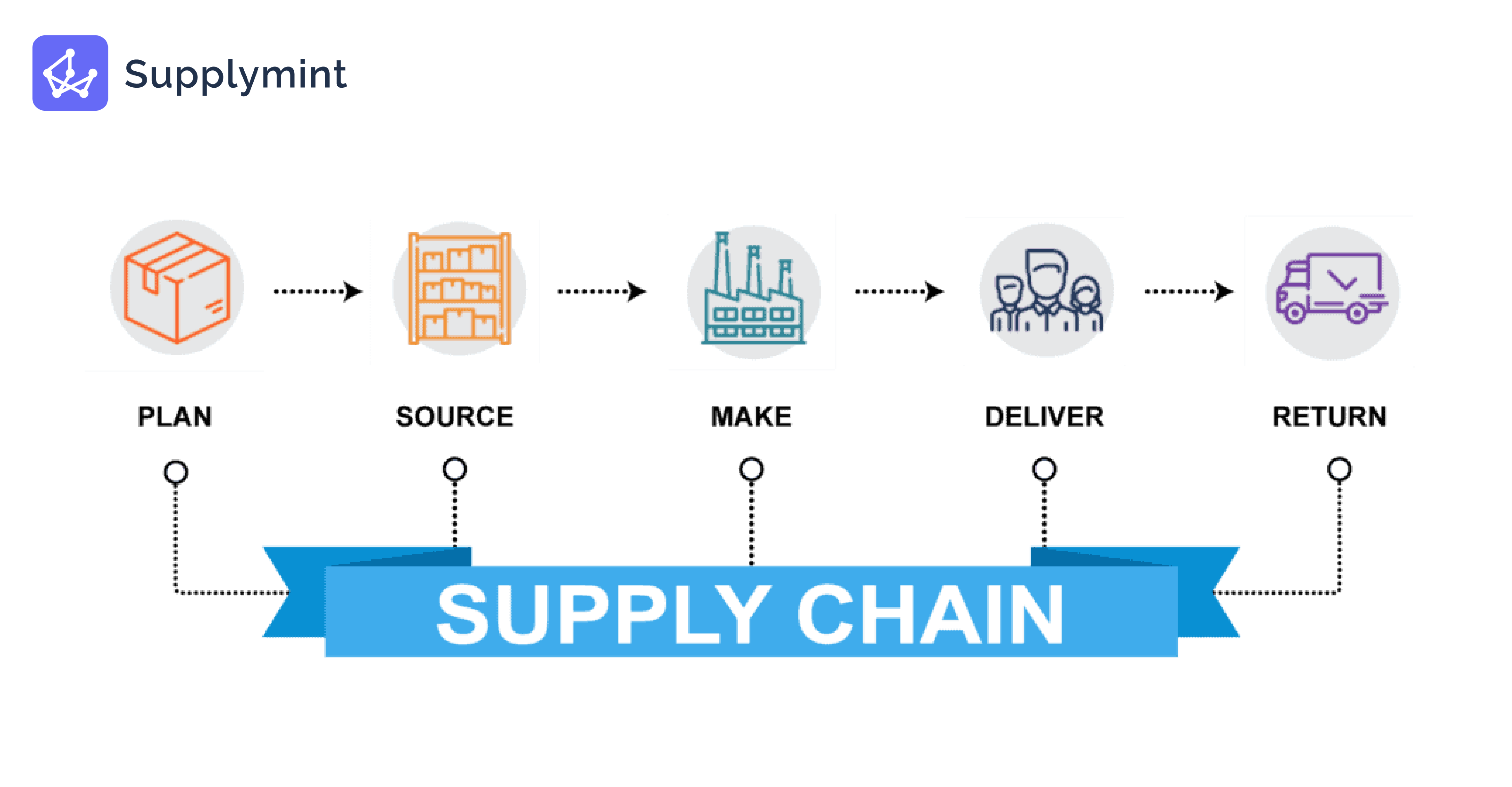
Supply chain management software is a system that helps businesses plan, source, move, and sell goods by connecting the stages of the supply chain into one coordinated platform. Instead of running procurement, planning, warehousing, and sales on separate tools and spreadsheets, it brings them together so data flows across the whole operation in real time.
Good SCM software does three things. It gives you visibility, a single, current view of inventory, orders, and suppliers. It automates the manual work that slows teams down. And it connects the stages, so a demand forecast feeds procurement, procurement feeds the warehouse, and the warehouse feeds fulfilment, without the gaps where errors and delays usually hide.
What to Look for in Supply Chain Management Software
The right supply chain management software is defined by how well it fits your business, not by how long its feature list is. Six things matter most when you evaluate options.
1. End-to-End Coverage
The biggest advantage of SCM software is connecting stages that used to run in silos. Look for a platform that covers the parts of the chain you actually run, planning, procurement, warehousing, and sales, rather than a point tool that solves one problem and leaves the others disconnected. End-to-end automation across those stages is where the real gains sit, because every system boundary is a place where data has to be re-entered and errors creep in.
2. Integration With Your Existing Systems
Software that cannot connect to your ERP, finance, or logistics systems just creates another island of data. Check how it integrates, through APIs, EDI, or native connectors, before you commit. The best SCM platform is the one that fits into your stack, not the one that forces you to rebuild around it.
3. Real-Time Visibility and Reporting
You cannot manage what you cannot see. Strong software gives live visibility into inventory, orders, and supplier performance across every location, plus reporting that turns that data into decisions. Month-old reports are too late to act on.
4. Automation and AI
The real time savings come from automation: auto-generated purchase orders, AI-assisted demand forecasting, automated replenishment, and workflow approvals that stop requests dying in inboxes. AI-driven forecasting in particular is where modern platforms pull ahead of older systems.
5. Ease of Use and Adoption
The best system is the one your team and your vendors will actually use. If onboarding a vendor is painful or the interface is clumsy, adoption stalls and the software never delivers. Look for a clean interface, a genuine self-service vendor portal, and mobile access for teams that are not at a desk.
6. Industry Fit and Scalability
Generic tools cover the basics, but a platform built for your sector understands your workflows. For retail and apparel, that means handling large vendor bases, seasonal and promotional buying, assortment planning, and the tight link between suppliers and inventory, which horizontal tools often miss. And it should scale with you, because re-platforming later is expensive and disruptive.
Retail Supply Chain Software: Why Fit Matters Most
Retail supply chain software is built for the specific demands retailers face: large vendor bases, seasonal and promotional buying, assortment planning across stores, and the tight link between supplier performance and what sits on the shelf. A general-purpose tool can track orders and stock, but it rarely handles a seasonal drop, a store-to-store replenishment, or hundreds of vendors onboarding at once the way a retail-built platform does. For retail and apparel brands, following the right retail supply chain strategies and choosing software that fits them is usually the difference between a system your team adopts and one they quietly work around.
Cloud-Based vs. On-Premise Supply Chain Software
Cloud-based supply chain software runs on the vendor's servers and is accessed over the internet, while on-premise software is installed and maintained on your own infrastructure. For most businesses today, cloud is the practical choice, and it is worth understanding why.
Cloud-based software is faster to deploy, cheaper to start with because there is no hardware to buy, and updated automatically, so you are always on the current version. It scales as you grow, and because it is accessed through a browser or app, teams and vendors can work from anywhere, which matters when your suppliers and stores are spread across locations. On-premise still suits businesses with strict data-residency rules or heavy existing infrastructure, but it carries higher upfront cost and a bigger IT burden. If you are weighing the options, our guide on ERP vs cloud supply chain software breaks the decision down in detail. Most modern supply chain platforms, including retail-focused ones, are now cloud-based for exactly these reasons.
How to Match Software to Your Business
Choosing supply chain management software comes down to matching the system to your biggest problems, not buying the longest feature list. Start by naming the pain. Is it stockouts and overstock (a planning problem), slow procurement and vendor chaos (a sourcing problem), warehouse errors and slow receiving (a fulfilment problem), or orders lost across channels (a sales problem)? Most businesses have one or two that hurt most.
Then match the software to those, check it integrates with what you already run, confirm your team and vendors will adopt it, and make sure it scales. Buy for the problem you have, not the features that demo well. A focused system you use fully beats a broad one you use a fraction of.
Supplymint's Supply Chain Software: A Worked Example
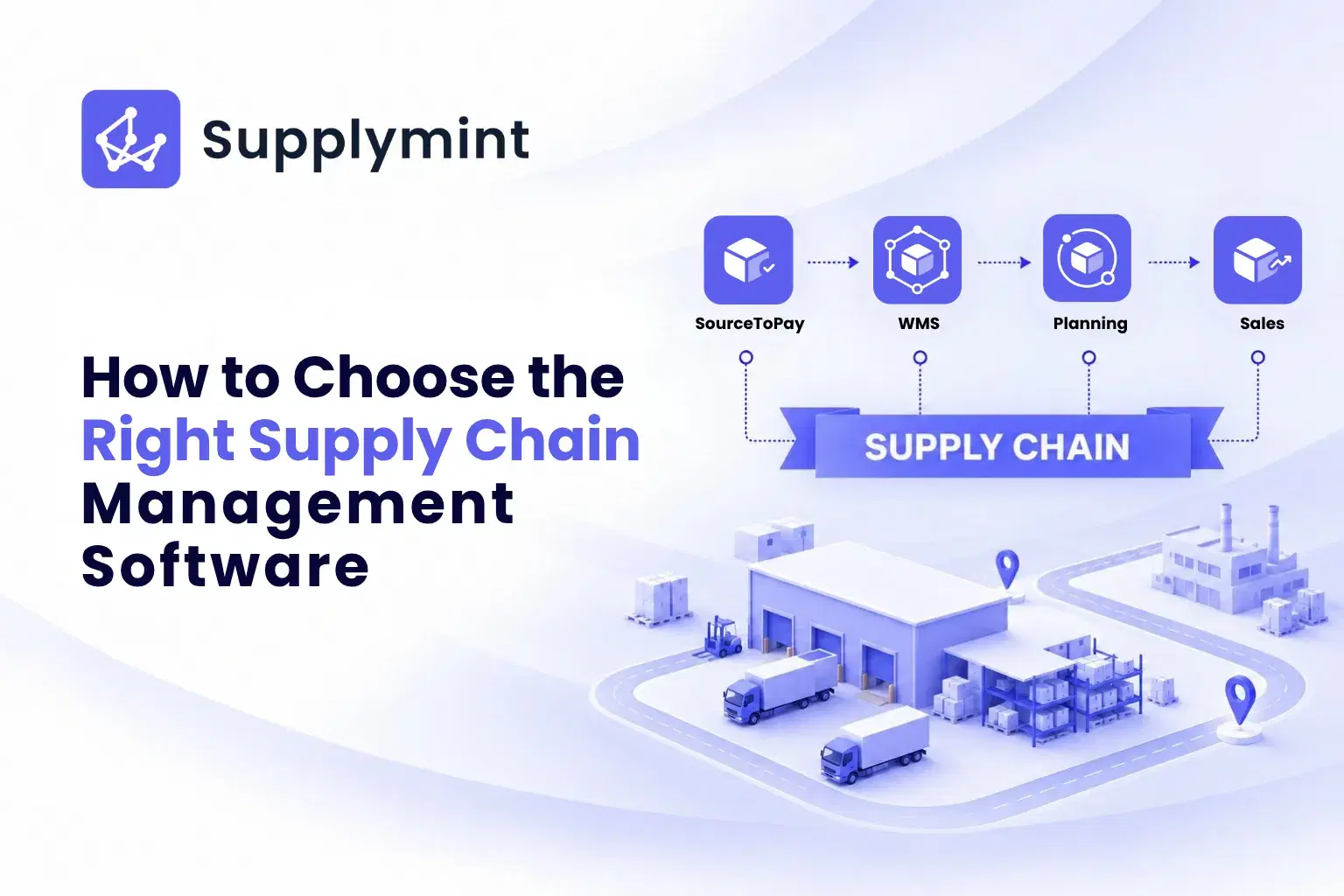
To make this concrete, here is how one platform maps to the supply chain. Supplymint is a supply chain management platform built for retail, apparel, and fashion brands, structured around five connected areas. Use it as a worked example of what end-to-end coverage looks like in practice.
Planning
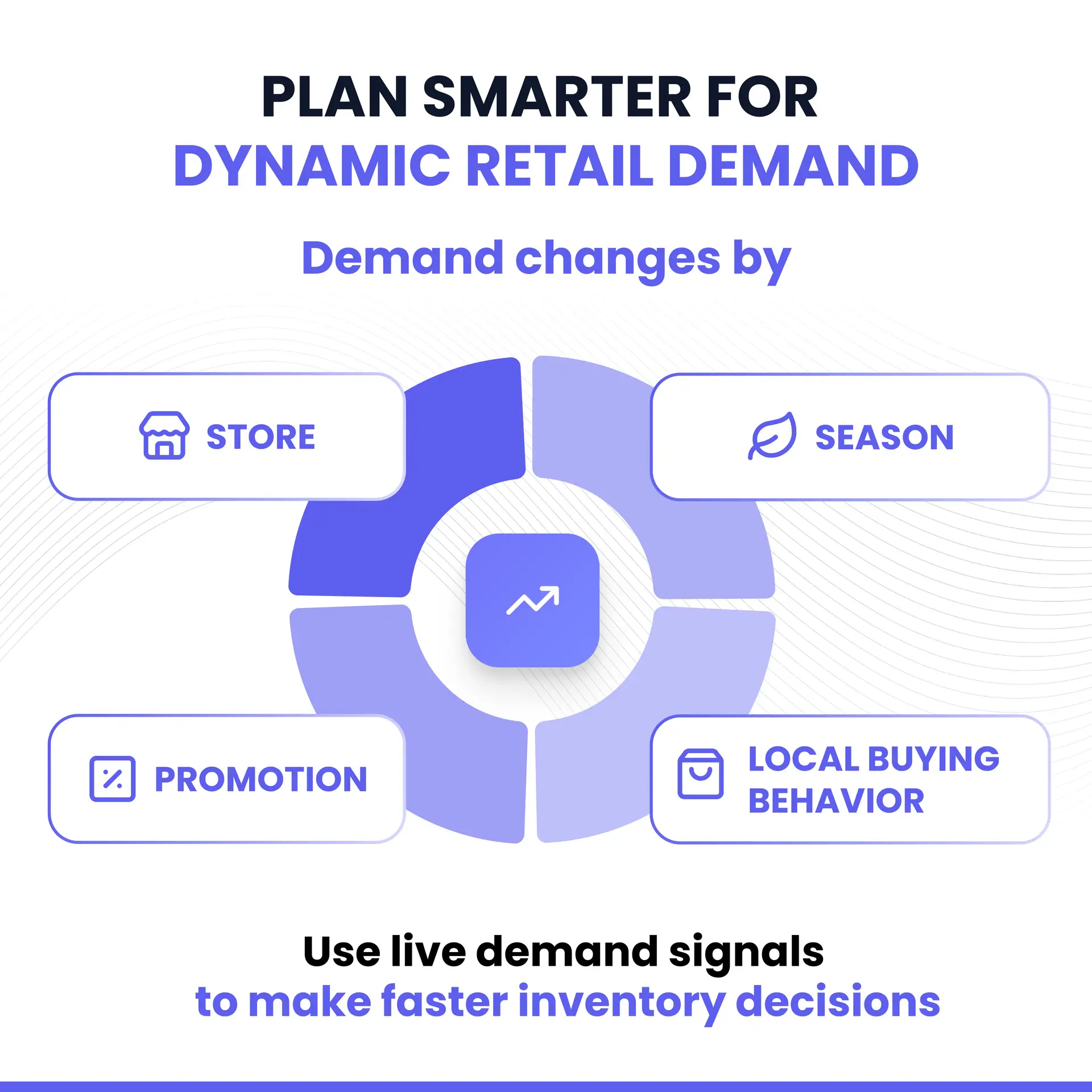
Supplymint's supply chain planning covers the decisions that set up everything downstream: OTB planning and management, demand-driven warehouse and store-to-store replenishment, auto PO generation, and event and season mapping for the seasonal peaks that define retail. Ad hoc requests are handled in the same flow, so planning stays responsive rather than locked to a fixed cycle.
Source to Pay
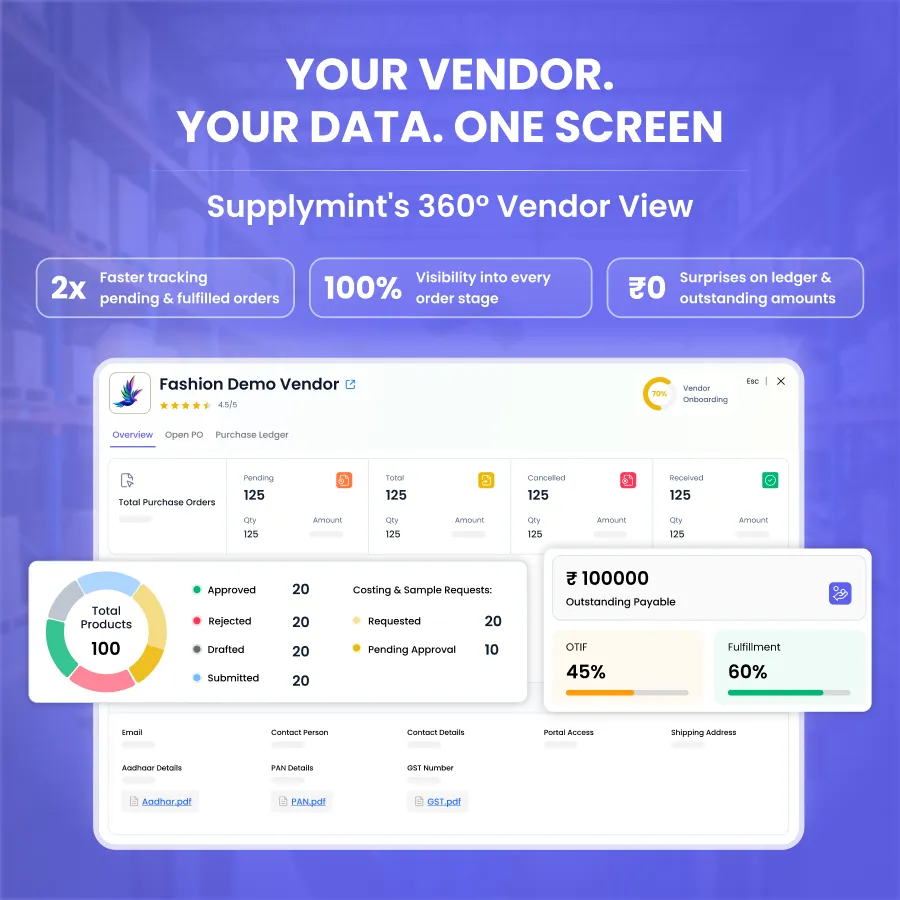
Source to Pay runs the full procurement cycle. Vendor onboarding with KYC and vendor capacity in ordering bring suppliers on cleanly. Purchase indents and purchase orders, Excel upload for fast PI and PO creation, quality checks with location tracking, shipment capture with weight and dimensions, scan-and-pack, gate entry, and logistics LR integration with courier partners carry an order from raised to received. It also covers the finance side, vendor ledger, early payments, and purchase invoice booking, plus vendor grievance tickets, time and action plans with full reporting, RTV, discrepancy handling, and product creation through the vendor catalogue with sample approval. This is the deepest part of the platform, and it is where retail procurement complexity actually lives.
Warehouse Management (WMS)
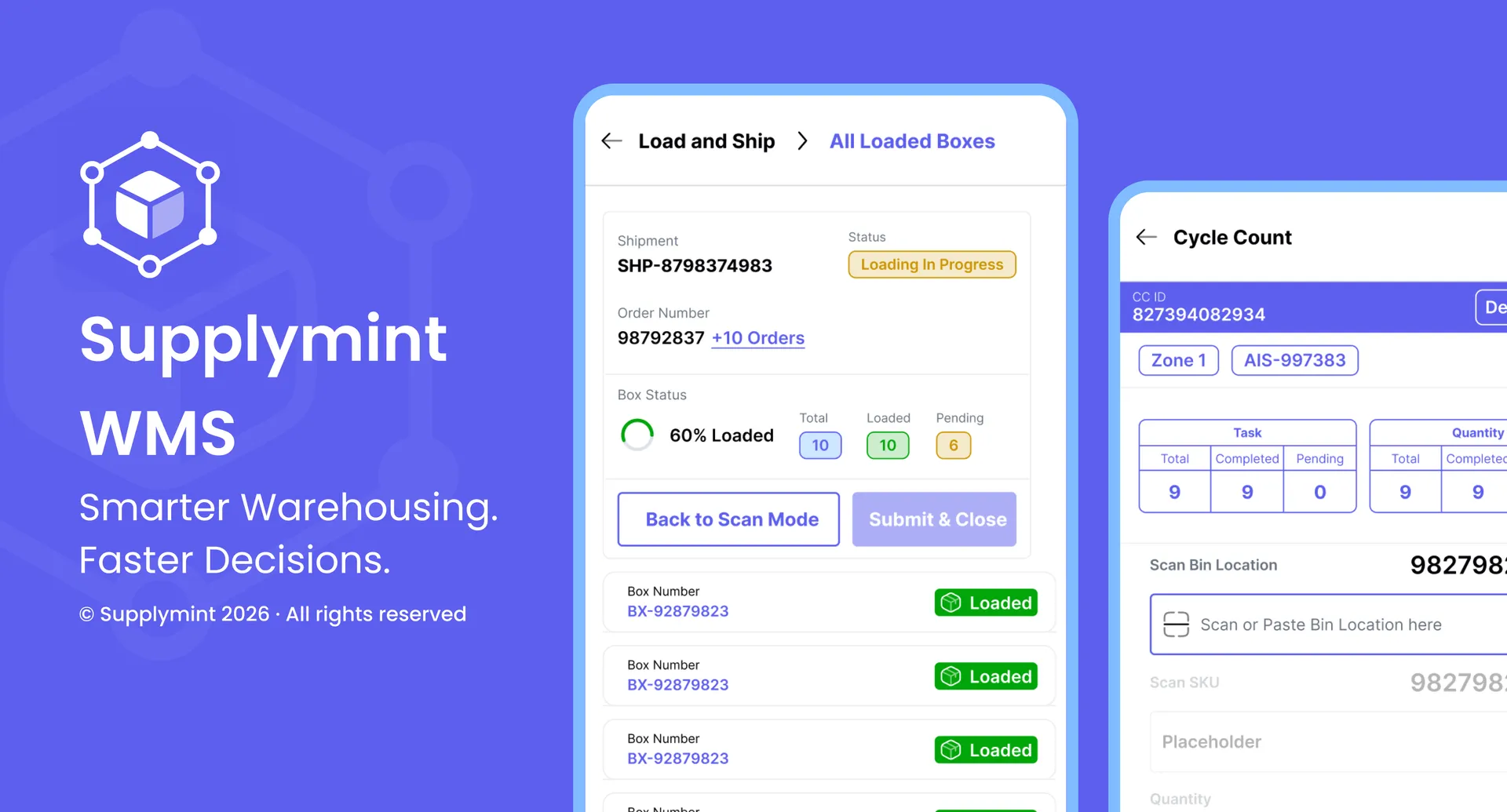
The WMS handles the warehouse end to end: GRN with barcode and QR scan, AI-directed and bulk putaway, velocity-based slotting, SKU and lot control, and flexible pick modes with AI pick-path optimisation. Dock and appointment scheduling, quality-check integration, variance detection with recount workflows, ASN excess resolution, and bin-level visibility keep receiving and inventory accurate, while live task tracking and real-time productivity tracking give supervisors a current view of the floor.
Sales
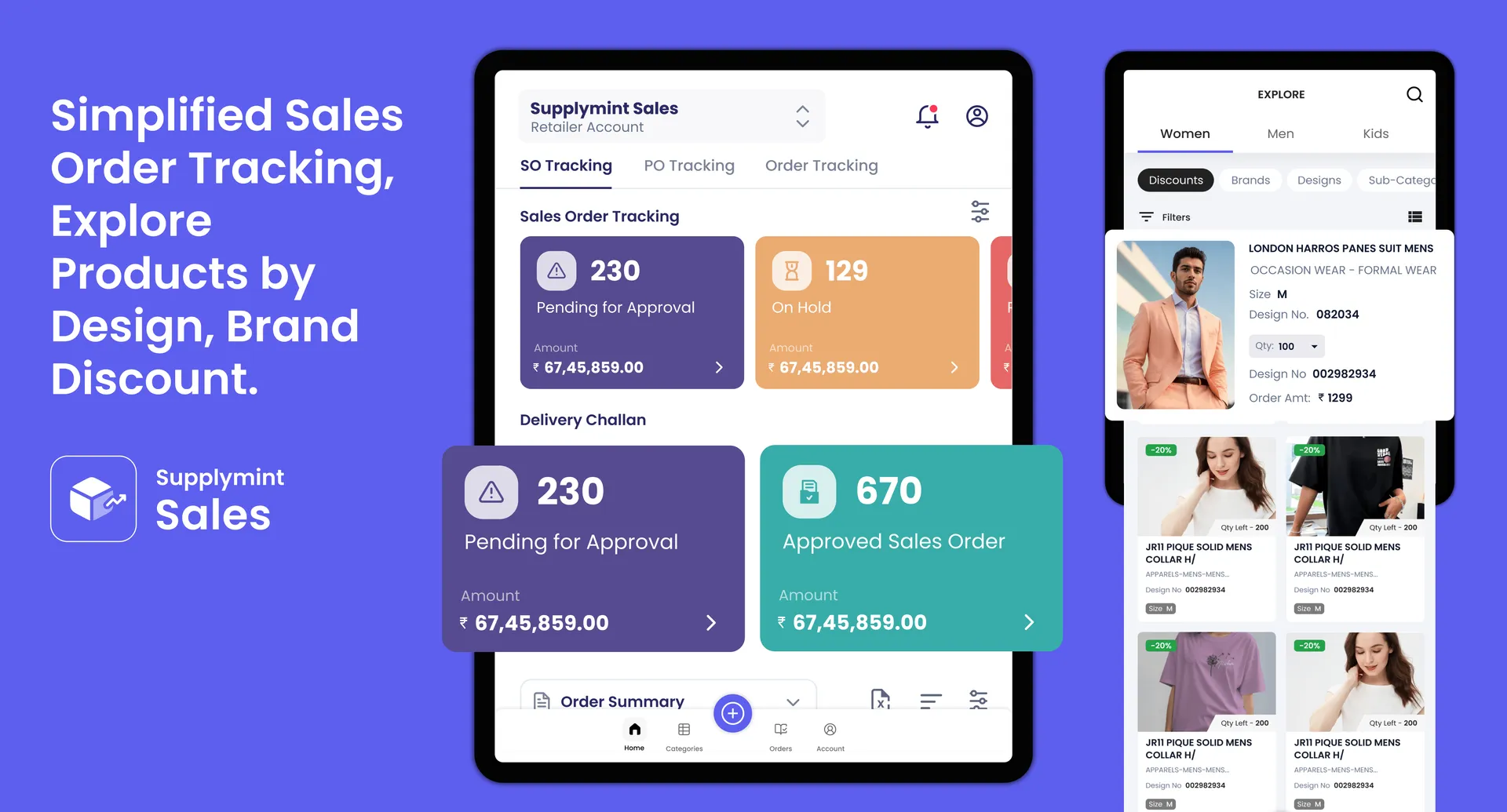
Sales digitises the wholesale order journey. Sales reps and distributors browse an interactive digital catalogue, build and place bulk orders from a mobile app, and move through sales order approval to delivery challan generation in one flow. Customer credit checks with live outstanding details and buying plans mean sales and finance see the same picture before an order is confirmed, which is how Supplymint gets most wholesale orders approved the same day.
Platform-Wide Capabilities
Across all of it sit the things that make a platform usable day to day: multi-level approval, audit logs, a 360-degree document viewer for a single view of each purchase order, vendor profiling and rating with OTIF calculation, task management and approvals, barcode generation, and reminders and escalations over email and WhatsApp. A mobile application for both vendors and buyers means the whole operation is not tied to a desk.
Because these areas share one platform and one data set, a forecast in Planning flows into a purchase order in Source to Pay, into receiving in the WMS, into availability for Sales. That connection is the whole point of SCM software, and it is what a collection of separate tools cannot give you.
How to Get Started
The practical first step is a short, honest audit of where your supply chain hurts most, followed by a demo focused on exactly that, not a generic walkthrough. Ask to see the system handle your real scenario: your vendor onboarding, your seasonal plan, your warehouse flow. Browsing a vendor's use cases is a good way to see whether they solve problems like yours before you even book the demo. Ask how it integrates with your ERP. Ask what adoption looks like for your vendors. A vendor confident in their software will show you the messy parts, not just the clean demo path.
Frequently Asked Questions
1. What is supply chain management software?
Supply chain management (SCM) software is a system that connects the stages of the supply chain, planning, procurement, warehousing, and sales, into one platform. It gives businesses real-time visibility, automates manual work, and lets data flow across the whole operation instead of sitting in separate tools.
2. How do I choose the right supply chain management software?
Start by identifying your biggest problem, whether it is planning, procurement, warehousing, or sales. Then look for software that covers those stages, integrates with your existing ERP and systems, gives real-time visibility, is easy enough for your team and vendors to adopt, fits your industry, and scales as you grow.
3. What features should supply chain management software have?
The core features are end-to-end coverage across the supply chain, integration with existing systems, real-time visibility and reporting, automation and AI-assisted forecasting, an easy-to-use interface with a vendor portal, and industry fit with room to scale.
4. What is the best supply chain management software for retail?
The best choice for retail is software built for retail workflows, large vendor bases, seasonal and promotional buying, assortment planning, and the link between suppliers and inventory. Horizontal, general-purpose tools often miss these, which is why retail and apparel brands tend to choose platforms designed for their sector.
5. How is SCM software different from an ERP?
An ERP is a broad system of record for the whole business, including finance and HR. SCM software is specialised for the supply chain, with deeper planning, procurement, warehousing, and vendor features. Many businesses run both and integrate them, using the ERP as the backbone and SCM software for supply chain depth.