
A best-selling style sells out in three stores on a Friday. The buyer finds out on Monday, when someone updates the stock spreadsheet. The purchase order goes out on Tuesday, the supplier ships a week later, and by then the sales are gone.
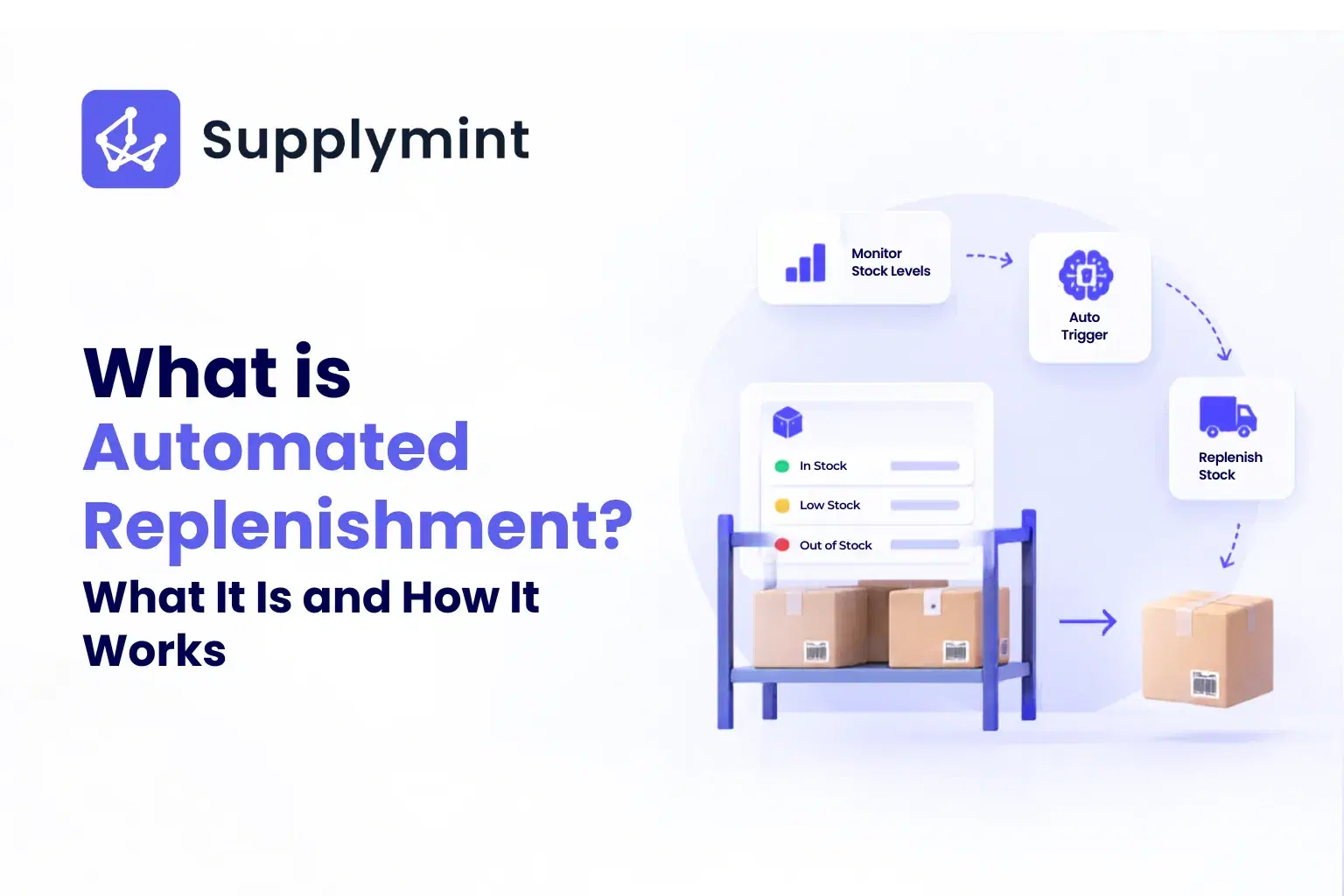
An automated replenishment system exists to close that gap. It watches stock and sales continuously, works out what needs to be reordered or moved, and in many cases raises the order itself, so the decision doesn't depend on someone noticing the problem in time.
This guide explains what automated replenishment is, how it works step by step, the main types of systems, and how to choose one for a retail or multi-location business. You'll also see it called auto replenishment, automatic replenishment, or an automatic replenishment system (ARS), and they all mean the same thing here.
What Is an Automated Replenishment System?
Automated replenishment is the use of software to decide what to restock, how much, and when, with little or no manual input. Instead of relying on gut feel or spreadsheets, the system uses live inventory data, demand forecasts, and set rules to trigger reorders or stock transfers when stock reaches a defined point.
The biggest difference from manual replenishment is timing. Manual methods are reactive, because someone has to spot a shortage first. Automated systems are proactive: they monitor stock around the clock, study sales trends, and start restocking before a shortage or an overstock turns into a problem.
Most systems rest on four building blocks:
- Demand forecasting based on sales history, seasonality, and trends
- Reorder rules, such as reorder points, safety stock, and minimum stock targets per store
- Automatic order or transfer creation, including supplier communication
- Integration with ERP and warehouse management systems, so every team works from the same numbers
It matters most where availability drives sales: retail chains, grocery, pharmacies, e-commerce, and automotive parts. If you want the basics first, our guide to inventory replenishment covers the methods and formulas that automation builds on.
How an Automated Replenishment System Works
Most stockouts don't happen because nobody cares. They happen because nobody saw them coming. A replenishment system acts like an inventory planner that never stops watching. Here is the flow, step by step.
- It tracks stock in real time: The system keeps a live view of what's on hand, what's committed to orders, and what's in transit, across stores, warehouses, and channels.
- It forecasts demand: Sales history, seasonality, promotions, and regional buying patterns feed a forecast. The more clean history the system has, the sharper the forecast gets, especially when machine learning is involved. If you want to see how the models behind this work, see inventory forecasting models.
- It applies your reorder rules: You set the thresholds: reorder points (when to order) and safety stock (the buffer against delays). The system compares live stock with those thresholds. The reorder point formula and the safety stock formula show how those numbers are set.
- It calculates the quantity: Once a threshold is hit, the system works out how much to order or move, taking into account what's already on hand and on order. The replenishment quantity formula explains the logic.
- It creates the order or transfer: That might be a purchase order to a supplier, or a transfer from a warehouse or another store. Many teams choose to review suggestions first and auto-approve only the routine ones.
- It coordinates with suppliers: Orders go out with the right quantities and delivery windows, and confirmations and shipment notices come back, which cuts the email back-and-forth. Good purchase order tracking keeps delays visible before they turn into stockouts.
- It syncs with ERP and WMS: Procurement, receiving, and inventory records stay connected, which removes the silos between teams and gives everyone a single source of truth.
AI and machine learning add one more layer. A model can notice a slow decline in demand for a product over several quarters and reduce its reorder frequency before you're stuck with dead stock. It can also learn from past outcomes, such as flash sales or supplier delays, so the rules improve over time.
Benefits of an Automated Replenishment System
- Fewer stockouts and less overstock: The system works from demand data, so stock levels stay closer to what will actually sell. That protects sales on fast movers and stops slow movers from piling up.
- Better buying decisions: Forecast-driven ordering replaces gut feel. This matters most for seasonal ranges and large catalogues, where small manual errors snowball quickly.
- Less manual work and fewer mistakes: Stock checks, order creation, and supplier follow-ups take a lot of hours. Automation takes the repetitive part off your team and cuts the typing and miscounts that come with it.
- Happier customers: When bestsellers are reliably in stock and ship on time, customers notice, and you see fewer cancelled orders. In retail, that also means shelves that stay full.
- Steadier supplier relationships: Timely, consistent orders are easier for suppliers to plan around. Over time that can help with delivery reliability and with how much lead times vary.
- Growth without extra overhead: More SKUs, more stores, and more suppliers make manual planning unmanageable. A system keeps applying the same rules at 500 SKUs or 50,000 without growing the team in proportion.
- Better cash flow: Replenishing only what's needed means less cash sits in surplus stock. That frees money for buying, marketing, or new stores.
You can check whether it's working with a handful of numbers, such as fill rate, stockout rate, and inventory turnover. Our guide to inventory KPIs and metrics gives the formulas.
Types of Automated Replenishment Systems
|
Type |
How It Works |
Works Best When |
|---|---|---|
|
Reorder Point |
Triggers an order when stock falls to a set level |
Demand is steady and lead times are reliable |
|
Just-in-Time (JIT) |
Times stock arrival to actual demand |
Storage is limited and supplier coordination is strong |
|
Vendor-Managed Inventory (VMI) |
The supplier replenishes you from shared stock data |
Supplier relationships are well established |
|
Forecast-Driven |
Orders follow predicted demand, not fixed thresholds |
Demand is seasonal, promotional, or hard to predict |
|
AI-Powered |
Models adapt rules, timing, and quantities as data comes in |
Catalogues are large and demand changes quickly |
Few businesses use just one type, so a retailer might run reorder points on steady staples, forecast-driven logic on seasonal ranges, and top-up replenishment for store shelves that need to look full. Multi-store retailers also need a way to move stock between locations, not only buy more of it.
How to Choose an Automated Replenishment System
The right system is the one that matches how your operation actually works, not the one with the longest feature list, and seven checks help you find it.
- Start with your inventory profile: How many SKUs do you manage, how volatile is demand, and how seasonal is the range? A business with 200 fast-turning SKUs needs different logic from one with 5,000 slow-moving parts.
- Check retail needs if you sell through stores: Look for store-level replenishment, store-specific stock targets, and the ability to move stock between locations, not just supplier orders.
- Look at integration: The system should connect with your ERP, WMS, POS, and e-commerce platforms, ideally with two-way sync. The more connected it is, the more reliable the automation becomes.
- Test the rules: You should be able to set different reorder points by category, different buffers for slow suppliers, and exceptions for products that don't follow the general pattern.
- Ask about data freshness: Automation is only as good as the data behind it. Even a 24-hour delay in stock updates can cause missed reorders or double-ordering.
- Plan for scale: Ask what happens at ten times the SKUs, or when you add warehouses or channels.
- Judge usability and support: A system your team won't use delivers nothing. Check how long onboarding takes, how good the dashboards are, and how quickly the vendor responds once you're a customer. Vendors with real experience in your sector are usually a safer bet.
On the AI question, rules are often enough for stable demand. AI earns its place with large catalogues, seasonality, volatile demand, or many channels. If you're comparing platforms, our roundup of AI demand planning tools can help you shortlist.
How Supplymint Helps with Automated Replenishment
Supplymint's auto replenishment (ARS) module is an ML-based platform that automates store replenishment using actual sales and stock data, so the right inventory reaches the right place. It sits inside inventory planning, and it's built around retail operations with many stores and warehouses.
Here's what that looks like in practice:
- Stock thresholds trigger replenishment: The platform watches SKU-level stock across stores and warehouses. When stock drops below a target (the minimum base quantity, or MBQ), it calculates what's needed and turns it into an indent. Your team can review it or auto-approve it as a purchase order, a flow described in the use case on automated purchase order creation.
- POs reach the right vendor: Once approved, the procurement module raises the PO and routes it by sourcing logic such as vendor priority, pricing, and timelines. If several vendors supply a SKU, quantities can be split across them.
- Stock moves between locations too: ML-based predictions look at sales, inventory levels, seasonal events, festivals, warehouse turnaround times, and reorder thresholds. The system also suggests transfers between stores for non-performing and aged stock, with multi-level approvals before anything syncs to ERP and WMS.
- You stay in control: Planning rules can be set by product group or location, including seasonal, promotional, and evergreen products. Manual orders and ad-hoc store requests sit alongside automated suggestions.
- Everyone sees what's happening: Buyers and vendors get alerts, and buyers can track approvals, delivery timelines, and ASN updates, with automated reminders and escalations.
Skechers India spent 2-3 days consolidating inventory in Excel before each planning run. With Supplymint, the engine run takes 20 to 25 minutes.
If you'd like to see this working on your own stores and SKUs, book a demo with Supplymint.
Frequently Asked Questions
1. Is Automated Replenishment Suitable for Small Businesses?
It can help at any size, but the payoff grows with SKU count, locations, and suppliers. A single store with a few hundred SKUs may manage with reorder alerts and a spreadsheet. A multi-store business usually can't, because the number of reorder decisions outgrows what a team can track by hand.
2. How Much Does an Automated Replenishment System Cost?
It depends on the number of SKUs and locations, the modules you need, and the integrations required. Supplymint is a SaaS product with a user-based subscription, billed quarterly or annually, and cloud hosting is included. Get pricing for a quote based on your setup.
3. How Accurate Are the Demand Forecasts?
It depends on the quality of your data, how volatile demand is, and how far ahead you forecast. Clean sales history, seasonality, and promotion data all help. Measure it rather than assuming it, and our guide to forecast accuracy metrics shows how.
4. Can It Integrate with My Existing Software?
Most modern systems connect with ERP, WMS, POS, and e-commerce tools through APIs or pre-built integrations. Supplymint offers two-way integration with common warehouse management systems and ERPs.
5. What Data Do I Need to Get Started?
At minimum, you need accurate SKU-level stock, sales history, supplier lead times, and product costs. If you sell through stores, target stock levels per store help too. Seasonal patterns and promotion calendars improve the results.
6. Do I Need AI, or Are Rule-Based Systems Enough?
Rules work well when demand is stable and the range is small. AI becomes more valuable with large catalogues, seasonality, volatile demand, or many regions and channels, where fixed rules can't keep up.
7. How Do I Know Whether It's Working?
Track a few KPIs before and after: fill rate, stockout rate, inventory turnover, and replenishment accuracy. Early signs are usually fewer emergency orders and fewer stockouts on fast movers. The inventory KPIs guide has the formulas.